Last Updated: 25 October 2026
Which Phones Are Eligible for Android 17?
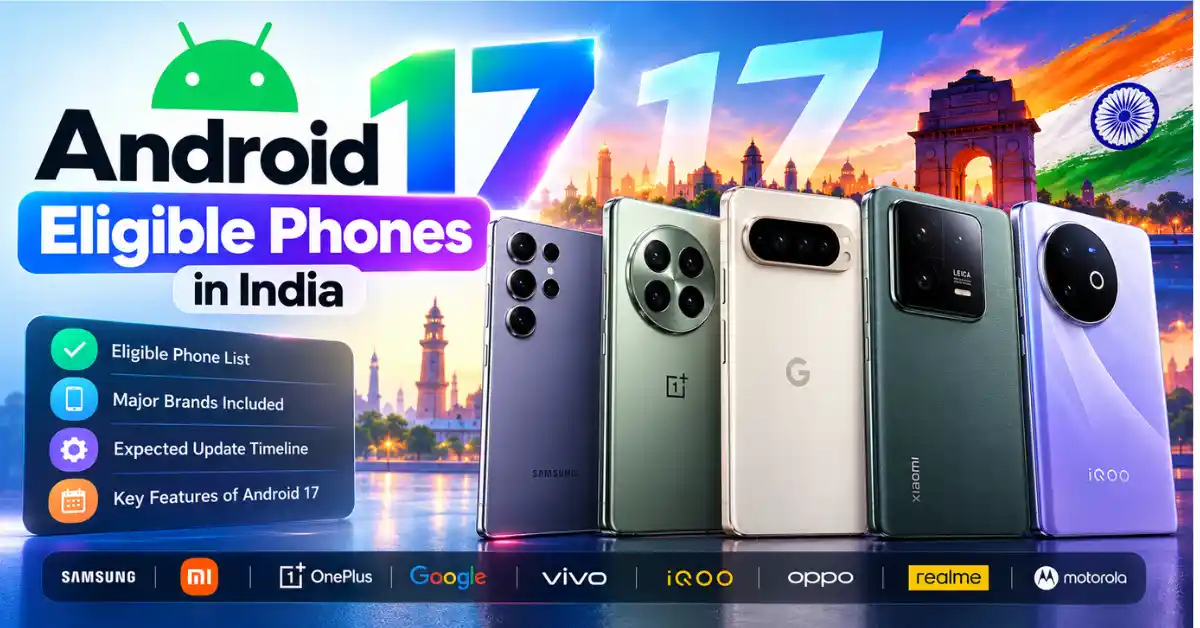
Android 17 is available for supported Google Pixel phones, including the Pixel 6 series through the Pixel 10 series, along with the original Pixel Fold and Pixel Tablet. Other brands are rolling out Android 17 through their own software interfaces, including Samsung One UI 9, OPPO ColorOS 17, Nothing OS 5.0 and Vivo OriginOS 7. The exact rollout date depends on your phone model, region and manufacturer.
As of 25 October 2026, the update is gradually rolling out to more devices in phases.Some phones already have a stable release, some are listed in official rollout schedules, and others are only expected to qualify based on software support commitments.Check your phone manufacturer’s latest rollout schedule to confirm when your device is expected to receive the update.
Official reference: Google’s Android 17 supported-device list
Key Takeaways
- Android 17 has already launched; the remaining question is when your particular phone will receive it.
- Google Pixel users can check Google’s official supported-device list and the update screen on their phone.
- Samsung, OnePlus, OPPO, Nothing, Vivo, iQOO and realme use their own software interfaces for Android 17.
- Even if two phones belong to the same brand, their update rollout timelines may differ depending on the model.
- Android 17 brings new multitasking tools, improved screen recording, foldable gaming features and additional security protections.
- You generally do not need to buy a new smartphone just to get Android 17 if your existing device remains secure and works well.
Android 17 Eligible Phones in India: Confirmed Rollouts and Expected Models
The lists below separate officially announced rollout details from devices that are expected to be eligible based on current predictions.A rollout schedule does not mean every phone in that schedule has received the update already.
1. Google Pixel phones
Is Your Pixel Eligible for Android 17?
Select your phone to check its listed Android 17 support status.
Eligibility is based on the device list configured in this checker. Actual update availability may vary by rollout and update channel.
Status: Android 17 system images and over-the-air updates are listed for these supported Pixel devices. The update’s availability may vary depending on your device’s update channel and the current rollout stage.
To check your Pixel, open Settings → System → Software updates and look for an available update.
2. Samsung Galaxy phones
Samsung distributes Android 17 through One UI 9. Its Indian support page, last updated on 22 October 2026, lists the following models as having completed the One UI 9 upgrade.
| Galaxy models | Status shown by Samsung India |
| Galaxy S23 Ultra | Upgrade completed |
| Galaxy S23+ | Upgrade completed |
| Galaxy S23 | Upgrade completed |
| Galaxy A56 | Upgrade completed |
| Galaxy A36 | Upgrade completed |
Samsung has also announced the One UI 9 rollout for the Galaxy S26 series. Its official announcement describes the rollout starting with the Galaxy S26, S26+ and S26 Ultra.
These are confirmed rollout milestones, not necessarily the complete list of Galaxy phones that will receive Android 17. Samsung confirms that more device models will be included as the update rollout expands.
Will the Galaxy S25, S24, Z Fold, Z Flip and eligible Galaxy A series phones also receive the update?
Newer Galaxy models with remaining operating-system upgrade commitments are reasonable candidates, but eligibility should be checked against Samsung’s official model-specific information. Do not treat an unofficial master list as confirmation for every A, M or F series device.
Before updating, open Settings → Software update → Download and install.
3. OnePlus phones
OnePlus is among the brands with a published Android 17 rollout schedule. Its current rollout information uses ColorOS 17 for the listed transition rather than the previous OxygenOS branding. Check your region-specific OnePlus announcement for the software offered to your model.
When Will Your OnePlus Get Android 17?
Select your OnePlus phone to check its expected rollout schedule.
These are expected rollout dates, not confirmed update availability. Actual timing may change by region, device variant and rollout stage.
The schedule also covers selected OnePlus tablets, including the Pad 4, Pad 3 and Pad 2.
The stable ColorOS 17 rollout began reaching the OnePlus 15 in India in October. Availability is still phased, so the schedule should not be interpreted as a guarantee that every handset will receive the update on the first day of its listed period.
4. Nothing phones
Nothing distributes Android 17 through Nothing OS 5.0. Its published schedule gives an indication of when the stable release is planned for each supported phone.
When Will Your Nothing Phone Get Android 17?
Select your phone model to check its expected rollout schedule.
This checker uses the expected rollout schedule listed in this article. Dates are estimates and do not guarantee that the update is available on your device.
Important: Nothing says the Phone (1), Phone (2) and CMF Phone 1 have reached the end of major software support and will not receive Nothing OS 5.0.
The dates are indicative. The company says stable availability will be phased by region and carrier where applicable.
5. OPPO phones
OPPO’s Android 17 update arrives through ColorOS 17. OPPO India has published a model-by-model rollout schedule extending from October 2026 into the first quarter of 2027.
When Will Your OPPO Phone Get Android 17?
Select your phone series and model to check its expected rollout schedule.
This checker follows the rollout schedule listed in this article. The timeframe is not a guarantee of update availability. Actual rollout timing may vary by region, device variant and rollout stage.
The table groups models for easier reading. Use the full official schedule to confirm the exact model name, edition and rollout month, particularly if you own an imported or region-specific variant.
6. Vivo phones
Vivo’s Android 17-based OriginOS 7 rollout in India is planned in phases, beginning with selected X-series phones. The reported schedule also includes V-series, T-series and certain Y-series devices.
When Will Your Vivo Phone Get Android 17?
Select your phone series and model to check its expected rollout period.
This checker follows the rollout schedule listed in this article. Expected dates are not a guarantee of update availability. Actual timing may vary by region, device variant and rollout stage.
Use the model-specific Indian rollout announcement to check the full list. A phone being part of the same series does not automatically establish eligibility for every regional variant.
7. iQOO phones
iQOO has also announced an India rollout timeline for OriginOS 7, based on Android 17.
iQOO Android 17 Update Checker
Check the expected Android 17 rollout period for your iQOO phone.
Note: These are expected rollout periods from the schedule above. Actual availability may vary by region, device variant and software rollout.
The scheduled dates refer to rollout phases, not guaranteed arrival dates for every individual phone. Continue checking the phone’s software updater for availability.
8. realme phones
realme has announced an Android 17-based ColorOS 17 rollout beginning on 29 October 2026.
Realme Android 17 Update Checker
Check the expected Android 17 rollout schedule for your Realme phone.
Note: These dates reflect the rollout schedule provided. Actual update availability may vary by model, region and rollout phase.
The wider rollout is phased. Not every phone in these product families is necessarily eligible, so verify the individual model against the latest realme announcement.
9. Xiaomi, Redmi and POCO phones
Xiaomi’s next software generation is HyperOS 4, based on Android 17.
The company has published stable HyperOS 4 rollout information for China, but that schedule should not be assumed to apply to Indian retail models. Regional firmware, local model availability and the global rollout can differ. As of 25 October 2026, use Xiaomi’s official global or Indian announcements for your specific phone rather than treating the China schedule as an India release commitment.
Xiaomi, Redmi & POCO Android 17 Checker
Select your phone or series to see the software-support information to verify.
Note: This checker identifies model families to verify. It does not confirm Android 17 eligibility or guarantee an update date. Support can vary by exact model, region and software variant.
These are candidates to investigate, not a blanket confirmation for every device or variant in the named families.
10. Motorola phones
Motorola’s Indian software-upgrade page acknowledges Android 17 and says the company is working with its technology and network partners to bring the update to devices. The page does not, in the information checked for this article, provide a complete, confirmed Android 17 model list.
Recent Edge, Razr and Moto G models may be worth checking against their original software promises. However, do not label a Motorola model as confirmed merely because it appears in an unofficial eligibility list.
What about other Android brands?
Newer phones from brands such as ASUS, HONOR and Sony may also be candidates according to their software support commitments. However, model eligibility and regional availability need to be confirmed with the relevant manufacturer. Do not assume that a phone sold overseas has the same software schedule as a similar model sold in India.
What About Other Android Brands?
Newer phones from ASUS, HONOR and Sony may be worth checking for Android 17 eligibility. However, support depends on the exact model, manufacturer policy and regional software version.
| Brand | Phones to Check | What to Verify |
|---|---|---|
| ASUS | Newer supported ASUS phones | Check the official update policy and confirm whether your exact model is eligible for Android 17. |
| HONOR | Newer supported HONOR phones | Verify the model’s software-support commitment and the update schedule for your region. |
| Sony | Newer supported Xperia phones | Check Sony’s official software-support information for your specific Xperia model and market. |
New Features of Android 17
Android 17 adds features aimed at multitasking, content creation, gaming, privacy and device protection. Some features can depend on the phone’s hardware or the manufacturer’s implementation.
Android 17: Top Features You Should Know
From floating app windows to smarter privacy controls, explore the Android 17 features designed to make everyday phone use, gaming and content creation more convenient.
Explore the features ↓Floating App Bubbles
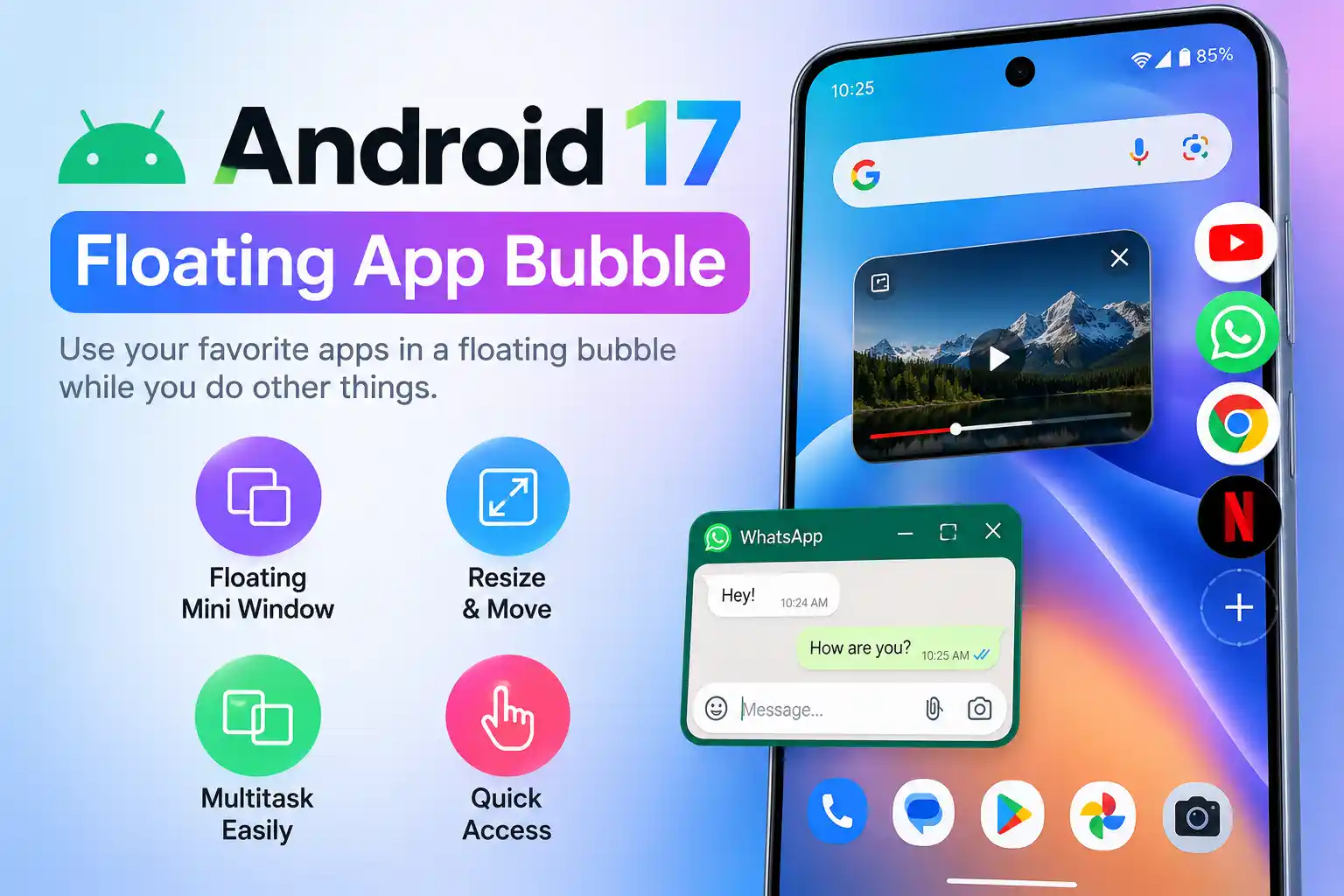
Android 17 expands floating Bubbles, allowing compatible apps to open in compact windows over other content. On large-screen devices, a dedicated bubble bar helps you switch between apps.
For example, you could keep a map visible while checking a booking confirmation or refer to notes while watching a tutorial. This can make multitasking easier, although support varies by app and device.
Improved Screen Recording and Screen Reactions
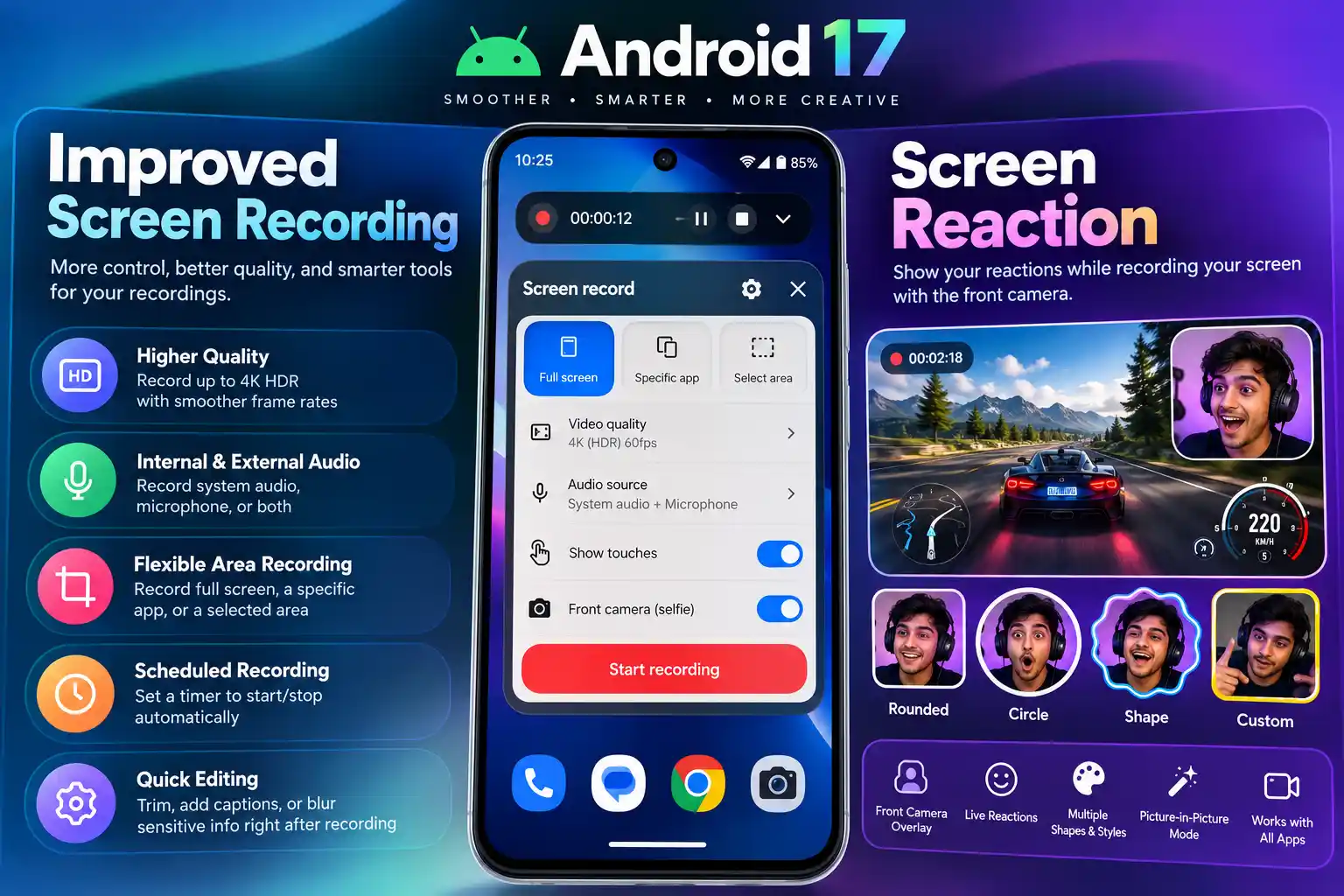
Android 17 improves the screen-recording workflow with an annotation toolbar. Screen Reactions let users capture screen activity while recording their own camera reaction.
These tools can be useful for creating tutorials, demonstrating an app, explaining phone settings or making short educational videos directly from a compatible device.
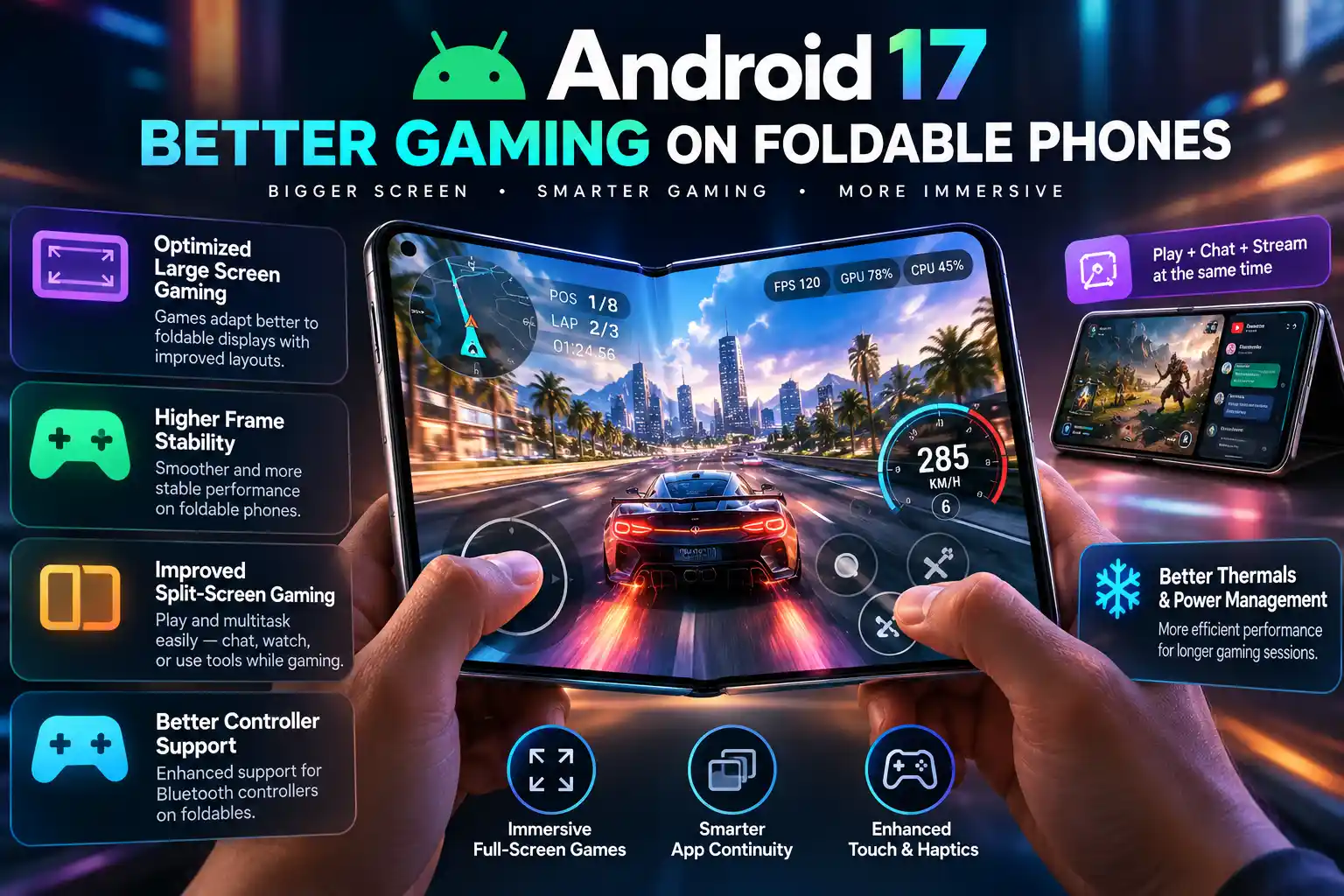
Better Gaming on Foldable Phones
Android 17 introduces an optimised gaming layout for foldable devices, arranging the game view and virtual gamepad to make better use of the larger display. Compatible external controllers can also support control remapping.
Google also describes memory-cleanup improvements intended to reduce frame drops and stuttering in high-definition games. Actual gaming performance still depends on the phone’s hardware, the game and the manufacturer’s implementation.
More Practical Privacy Controls
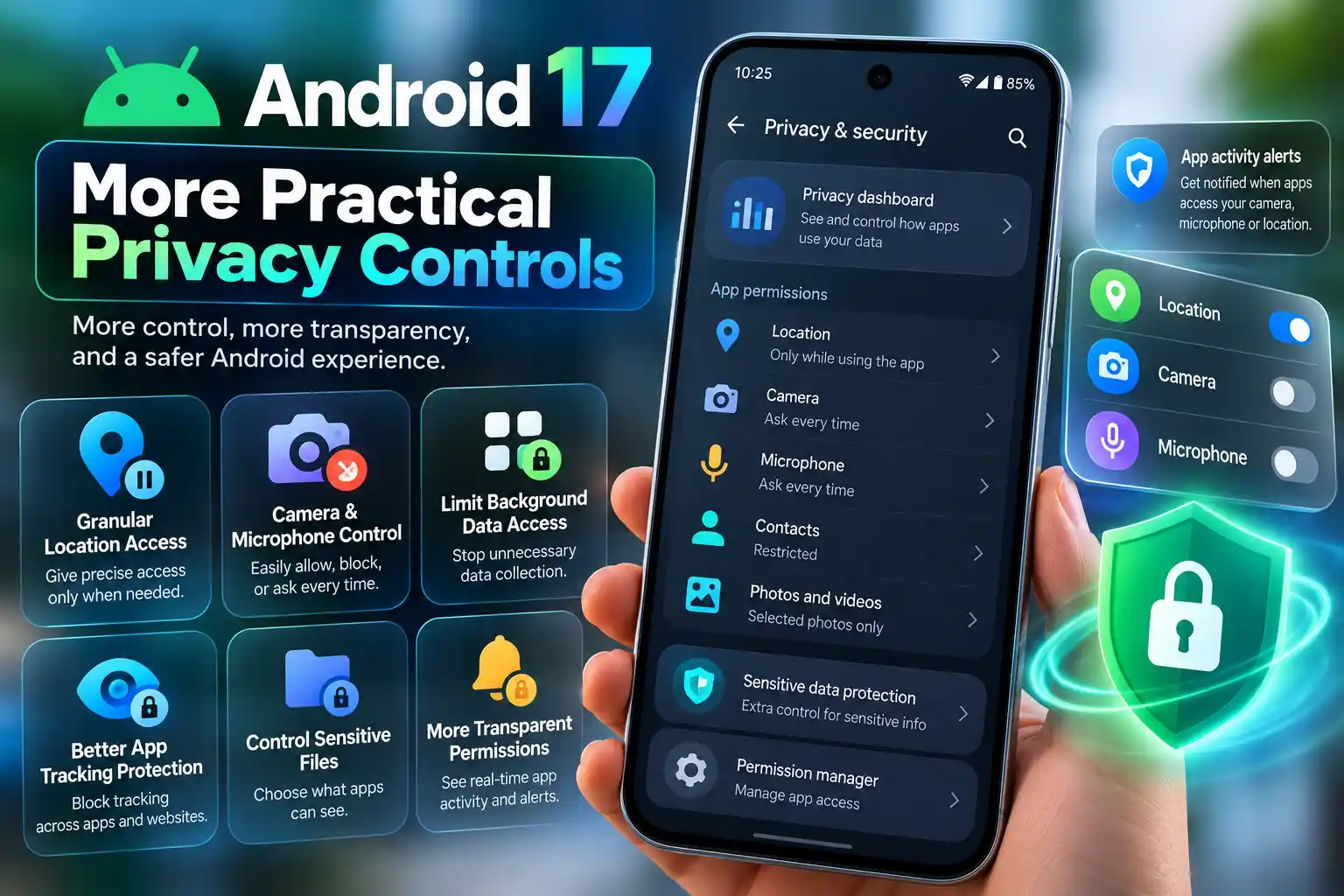
Android 17 adds more flexible ways to manage app access, including temporary access to precise location information and the ability to share selected contacts rather than an entire address book.
These controls can help limit unnecessary data sharing. However, they do not guarantee that every app will handle personal information responsibly, so it is still worth reviewing permissions regularly.
More Personalisation Options
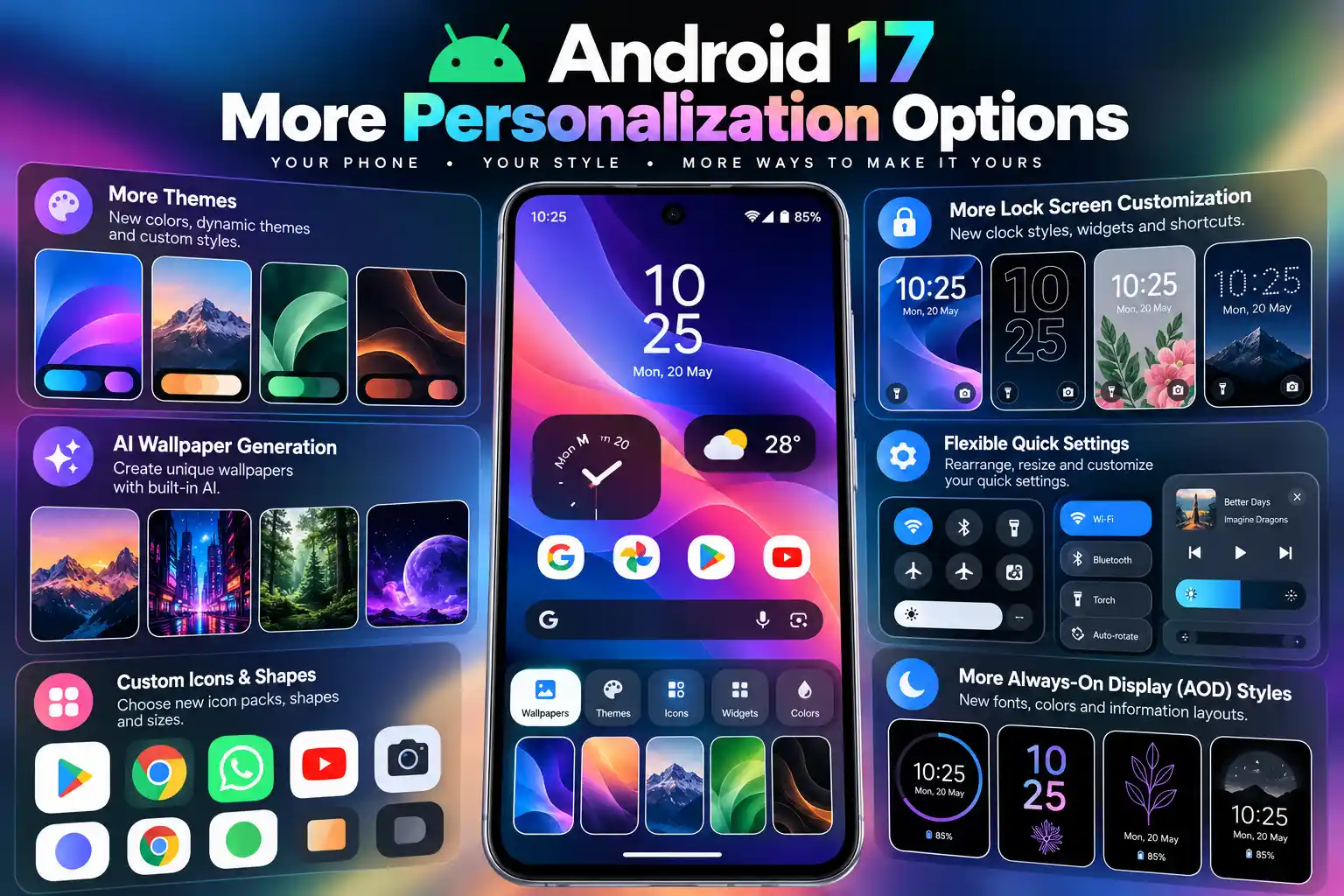
Android 17 adds further personalisation options, including the ability to hide app names on the home screen and more control over aspects of the dark theme. Additional interface and assistant controls offer further ways to customise the experience.
The exact look, availability and names of these settings can differ between Google Pixel phones and devices from Samsung, OnePlus, OPPO and other manufacturers.