
Introduction
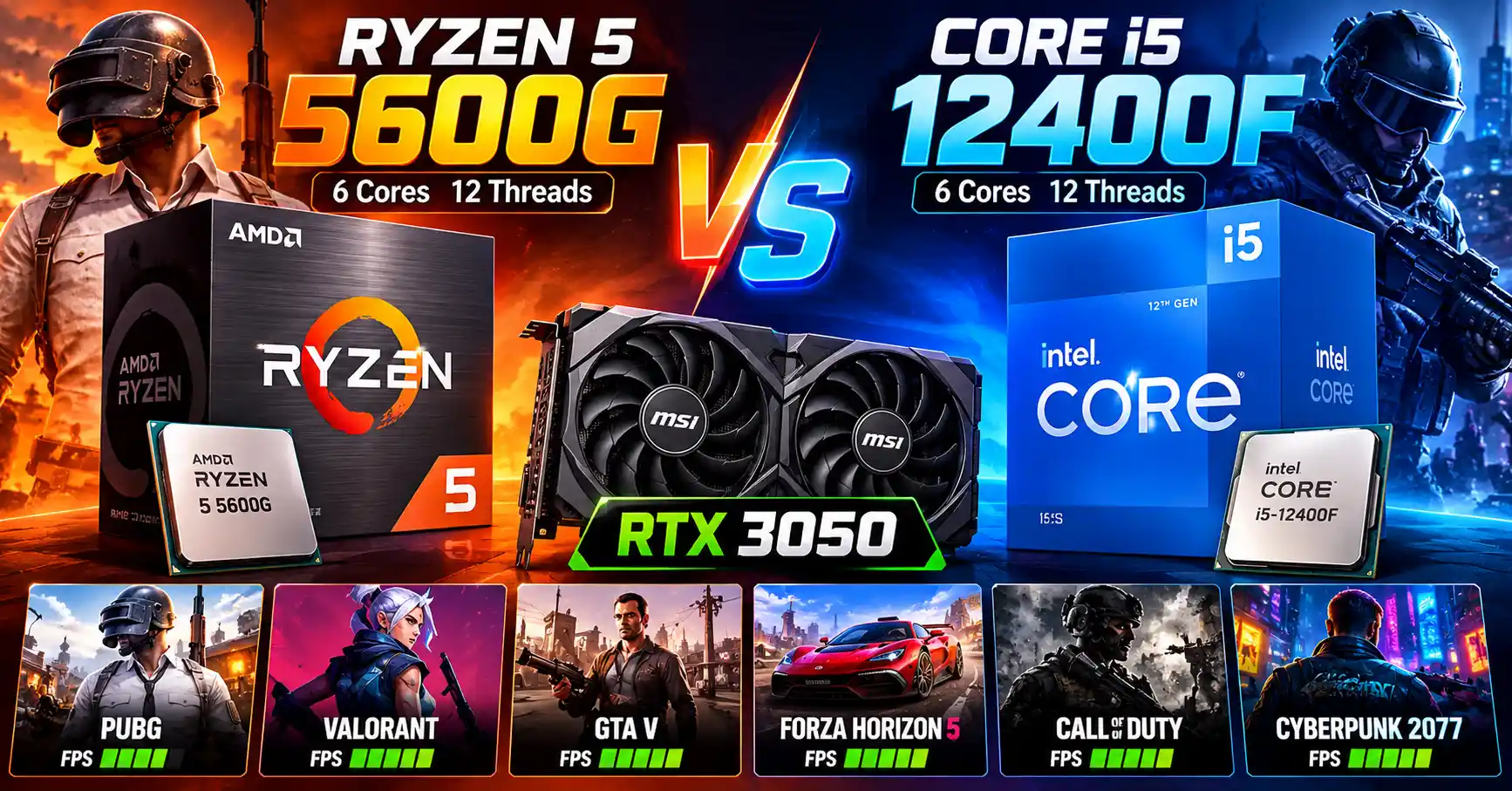
Building a budget gaming PC in India means balancing gaming performance, component prices, cooling requirements and future upgrade options. Two processors worth comparing are the AMD Ryzen 5 5600G and Intel Core i5-12400F. Both have six cores and 12 threads, but their architectures, cache configurations, integrated graphics and platform capabilities differ.
For this comparison, we will use the NVIDIA GeForce RTX 3050 6GB desktop graphics card with both processors. Using the same GPU allows us to investigate the differences in CPU performance without changing the graphics card between tests.
Temperature is another important part of this comparison. A processor may run warmer during an extended gaming session, but that does not automatically mean it will deliver lower FPS. Actual performance drops depend on factors such as thermal throttling, CPU clock speeds, power limits, graphics-card usage and game settings.
This guide examines gaming FPS, 1% lows, sustained temperatures, power consumption, RAM compatibility, PCIe support and cooling requirements. The goal is to determine which processor makes more sense for an affordable RTX 3050 gaming PC.
Ryzen 5 5600G vs Intel Core i5-12400F: Specifications Compared:
Both processors offer six CPU cores and 12 threads, but they differ in cache, power specifications, memory compatibility and connectivity.
| Specification |
 AMD Ryzen 5 5600G
|
 Intel Core i5-12400F
|
|---|---|---|
| Architecture | Zen 3, Cezanne | Alder Lake |
| CPU cores | 6 | 6 performance cores |
| Threads | 12 | 12 |
| Base clock | 3.9 GHz | 2.5 GHz |
| Max. boost clock | Up to 4.4 GHz | Up to 4.4 GHz |
| L2 cache | 3 MB | 7.5 MB |
| L3 cache | 16 MB | 18 MB |
| Base power / TDP | 65W | 65W |
| Max. turbo power | Depends on AMD power configuration | 117W |
| Max. temperature | 95°C Tjmax | 100°C Tjunction |
| Socket | AM4 | LGA1700 |
| Memory type | DDR4 | DDR4 or DDR5, depending on motherboard |
| Official memory speed | DDR4-3200 | DDR4-3200 / DDR5-4800 |
| PCIe support | PCIe 3.0 | PCIe 5.0 and 4.0 |
| Integrated graphics | Radeon Graphics (7 graphics cores) | None |
| Boxed cooler | AMD Wraith Stealth | Intel Laminar RM1 |
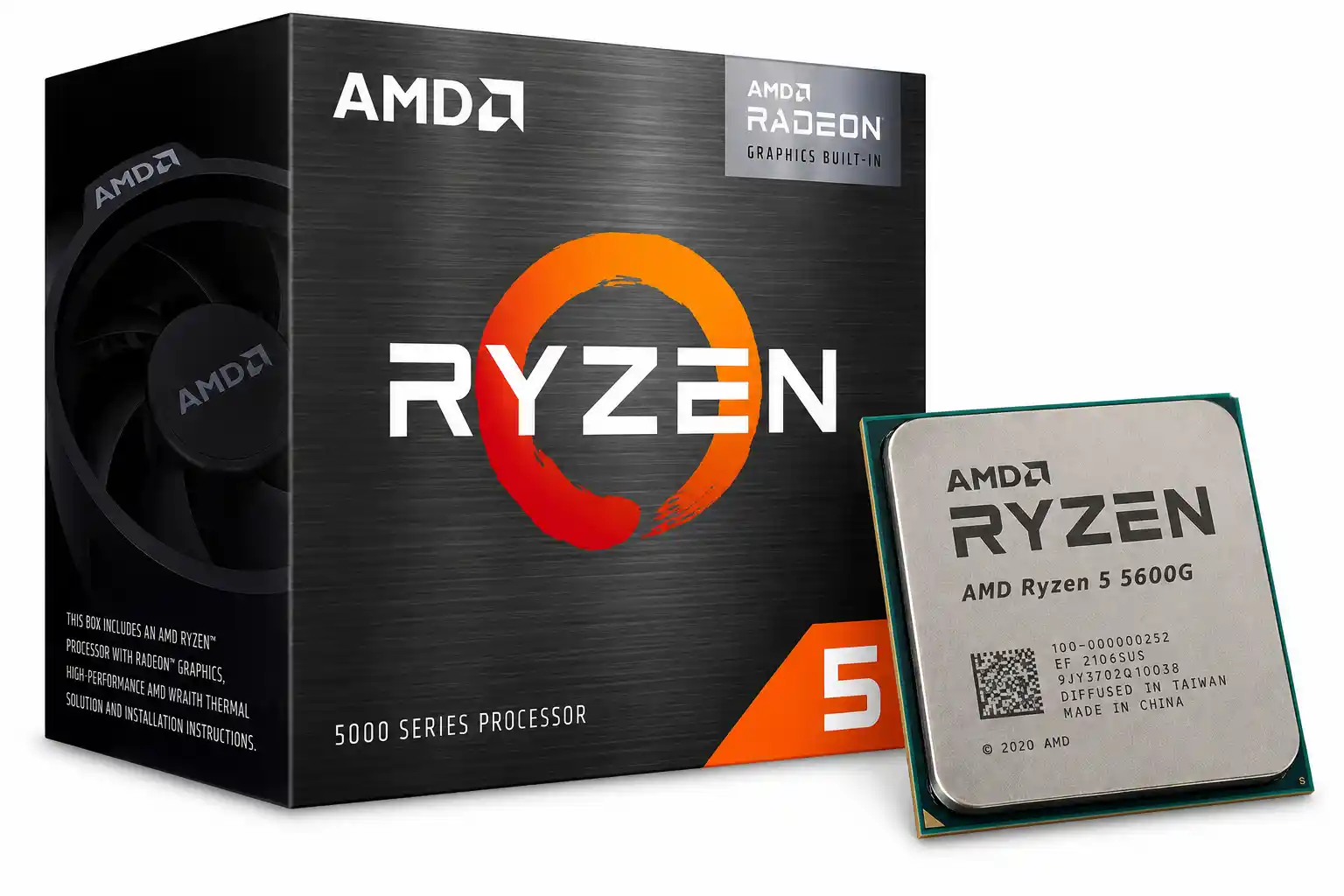
The Ryzen 5 5600G has one practical advantage: its integrated Radeon graphics allow a compatible PC to run without a separate graphics card. However, when the RTX 3050 is installed and used for all gaming tests, that integrated graphics advantage is largely irrelevant.
The Core i5-12400F offers a newer PCIe interface and support for either DDR4 or DDR5, depending on the motherboard. Whether these advantages translate into a noticeable FPS improvement depends on the game and the rest of the system.
It is also important to distinguish processor power specifications from actual gaming power consumption. A 65W rating does not mean that a CPU will consume exactly 65W throughout every game.
Gaming Performance with RTX 3050 6GB
The RTX 3050 is a budget-oriented graphics card intended primarily for 1080p gaming. With this GPU, the processor comparison needs to account for both CPU performance and graphics-card limitations.
In a CPU-intensive competitive game, the processor can influence how quickly the system prepares each frame. In a demanding AAA game with high graphics settings, the RTX 3050 may become the main performance limitation.
This distinction matters because a faster CPU does not always produce a large improvement in average FPS. If the graphics card is already working at full capacity, upgrading the processor may have little impact on the frame rate.
The RTX 3050 6GB is therefore a useful choice for testing whether the Ryzen 5 5600G and Core i5-12400F offer noticeably different gaming experiences in a budget system.
Use settings that the RTX 3050 can handle reasonably well. For particularly demanding games, begin with 1080p medium settings and adjust them where necessary. Record any upscaling, ray tracing or frame-generation settings rather than leaving them undocumented.
The game version, driver version and benchmark route should also remain consistent between the two CPU configurations.
Average FPS vs 1% low FPS
Average FPS shows the typical number of frames rendered per second over a test. However, it cannot fully describe how smooth a game feels.
The 1% low FPS figure provides additional information about slower frames. Two processors may have similar average FPS but different 1% lows, suggesting differences in frame-time consistency.
For example, if one processor maintains a higher 1% low in a repeatable test, that may indicate a smoother experience in demanding scenes. However, 1% lows are affected by game engines, background tasks, memory configuration and measurement methods, so they should not be interpreted in isolation.
With the RTX 3050, it is particularly important to check GPU utilisation. If the graphics card is the main bottleneck, both processors may deliver similar results despite differences in CPU performance.
Ryzen 5 5600G vs Core i5-12400F: Temperature Comparison
Temperature is important when building a budget gaming PC, especially in Indian summers when room temperatures can be high.
CPU temperature also depends on the cooler, thermal paste, case airflow, motherboard power settings, background workload and ambient room temperature.
How to Measure Gaming Temperatures Properly
For a fair comparison, record the following information for both systems:
- Idle CPU temperature after the system has settled.
- Average CPU temperature during gaming.
- Maximum CPU temperature during the same test.
- Temperature after around 30 minutes of continuous gaming.
- CPU effective clock speeds during gameplay.
- CPU package power consumption.
- GPU temperature and utilisation.
- Ambient room temperature.
- Any recorded thermal throttling.
Keep the Test Fair
Use the same monitoring software and repeatable game scenes. Allow initial background activity and shader compilation to settle before collecting the main measurements.
Use the same RTX 3050 model in both systems. Even with the same graphics card, differences in the motherboard, case airflow and CPU cooling can influence the measured temperatures.
What happens when CPU temperature rises?
A processor generates heat while performing calculations. Its cooler transfers that heat into the surrounding air or through a liquid cooling loop.
When the CPU temperature rises, its control systems can adjust clock speeds and power consumption to stay within operating limits. If it reaches a thermal limit, the processor may reduce performance through thermal throttling.
Intel explains that thermal throttling can reduce processor frequency and contribute to performance loss. It also notes that brief temperature spikes during changing workloads do not necessarily indicate a problem.
A higher temperature alone does not prove that performance is falling. A processor can run warmer while maintaining its effective clock speeds and delivering stable FPS.
Does rising temperature cause FPS drops?
Yes, thermal throttling can contribute to FPS drops, but it is not the only possible cause.
When a processor reaches its thermal limit, it may lower its effective clock speed. This can affect frame rates in CPU-limited games, particularly when the system is targeting high FPS.
However, the same symptoms can result from a GPU bottleneck, VRAM limitations, RAM pressure, background applications, power limits or game-engine behaviour.
To establish whether temperature is causing a drop, compare FPS, CPU temperature, effective clock speeds and throttling indicators during the same repeatable gaming session.
With an RTX 3050, also check GPU utilisation and graphics memory use. A drop caused by the graphics card should not be incorrectly attributed to CPU temperature.
Cooling Requirements: Is the Stock Cooler Enough?
An AIO liquid cooler is not automatically required for a six-core, 65W-class processor.
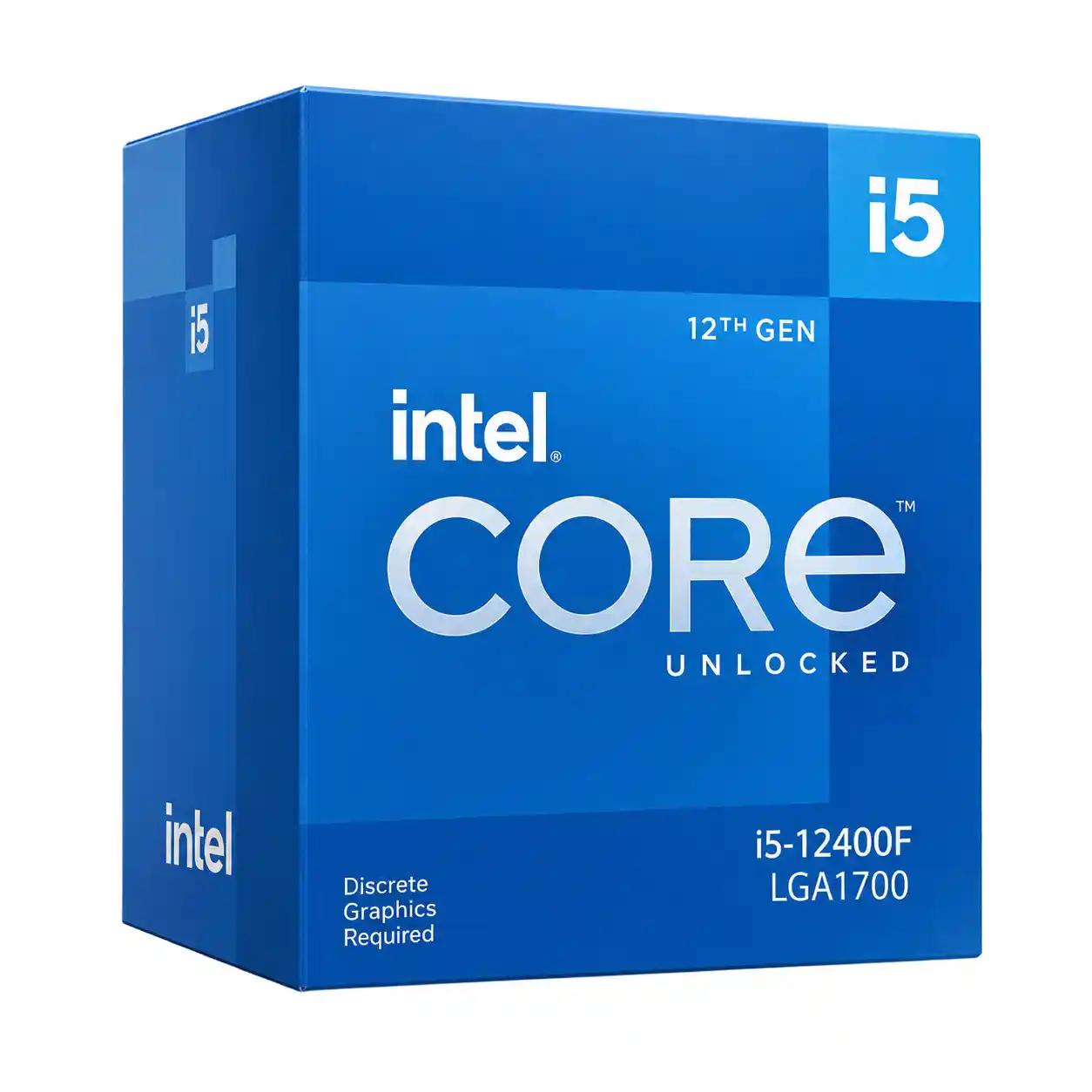
Boxed retail versions of the Ryzen 5 5600G and Core i5-12400F include stock cooling solutions. The Ryzen processor comes with the Wraith Stealth, while Intel lists the Laminar RM1 for boxed retail versions of the i5-12400F.
The included cooler can be a sensible starting point at standard settings. However, temperature and noise depend on the workload, room temperature, motherboard power behaviour and case airflow.
Always confirm the exact package before purchasing because tray or OEM processors may be sold without a cooler.
1. Stock air cooler
The stock cooler is the most budget-friendly starting point when it is included with the CPU.
It avoids the cost of buying an additional cooler and can be sufficient for everyday use and gaming under suitable conditions.
The main limitations are that fan noise may become noticeable during sustained workloads and thermal headroom may be limited in a poorly ventilated case or a hot room.
Check performance during longer gaming sessions rather than judging the cooler from a brief temperature reading.
2. Aftermarket tower air cooler
A compatible tower air cooler is a practical upgrade for a budget gaming PC.
Depending on the cooler and installation, it can reduce fan noise and provide additional cooling headroom during long gaming sessions.
It is worth considering when the stock cooler is too noisy, temperatures are consistently high, or CPU clocks are falling under sustained load.
Choose a cooler that is compatible with the processor socket and the case’s available cooler clearance.
3. AIO liquid cooler
An all-in-one liquid cooler is optional for both processors at standard settings.
It may make sense for a specific noise target, the appearance of the build, case layout or a future processor upgrade that needs more cooling capacity.
However, an AIO will not automatically increase gaming FPS if the existing cooler already allows the CPU to maintain its normal effective clock speeds.
For a budget system with an RTX 3050, spending extra on a good air cooler or better case airflow may offer better value than buying an AIO purely for gaming.
Which Cooling Option Should You Choose?
| Cooling option | Suitability for budget gaming | Main consideration |
|---|---|---|
| Included stock cooler | Suitable starting point | Actual temperature and noise depend on the system. |
| Aftermarket tower air cooler | Practical upgrade | Can improve noise levels and thermal headroom. |
| AIO liquid cooler | Optional | Usually unnecessary for these CPUs at standard settings. |
Start with the included cooler if the CPU package includes one and its temperatures and noise levels are acceptable. Upgrade only when testing identifies a reason to do so.
CPU Power Consumption: 65W vs 117W
AMD specifies a 65W default TDP for the Ryzen 5 5600G, with a configurable TDP range of 45W to 65W. Intel specifies 65W processor base power and 117W maximum turbo power for the Core i5-12400F.
These figures are not direct measurements of power consumption during gaming. Actual CPU package power varies with the workload, motherboard configuration, boost behaviour and other conditions.
The RTX 3050 also consumes power, and its exact power requirements vary with the particular card model. For example, MSI lists 130W power consumption for its GeForce RTX 3050 Gaming X 8G. That figure should not be treated as a universal reading for every RTX 3050 model.
To make a useful comparison, record CPU package power during the same gaming workload on both systems. If possible, measure total system power separately at the wall.
This distinction matters because CPU package power and whole-system power are different measurements. A system’s total power draw includes the graphics card, processor, motherboard, memory, storage, fans and other components.
The final conclusion should use measured power consumption rather than assuming that a 65W processor always consumes less power in real gaming.
RAM Support: DDR4 vs DDR5
Memory compatibility is another major difference between the two platforms.
The Ryzen 5 5600G officially supports dual-channel DDR4 memory up to 3200 MT/s. The Core i5-12400F supports DDR4-3200 or DDR5-4800, depending on the motherboard.
A DDR4 motherboard cannot be turned into a DDR5 motherboard simply by changing the RAM. The memory type must match the motherboard.
For a fair comparison, a useful baseline is the same 32GB DDR4 kit, configured as two 16GB modules at DDR4-3200 on both systems. This helps isolate CPU differences without changing memory capacity or rated speed at the same time.
Dual-channel memory is important for both processors. It is particularly important when the Ryzen 5 5600G is running on its integrated Radeon graphics without a dedicated GPU because those graphics use system memory.
When the RTX 3050 is installed, its dedicated VRAM handles graphics data, but system RAM configuration can still affect CPU-limited gaming performance and overall responsiveness.
For a new budget gaming PC, 16GB can be a starting point, while 32GB is worth considering for modern games, multitasking and longer-term use.
PCIe Support: An Important Difference with RTX 3050
The Ryzen 5 5600G supports PCIe 3.0, while the Core i5-12400F supports PCIe 4.0 and 5.0. The actual PCIe capability available to a graphics card depends on the processor, motherboard and card itself.
The RTX 3050 6GB model uses a PCIe 4.0 x8 interface. When installed in a system using the Ryzen 5 5600G, the graphics card operates at PCIe 3.0 x8 because of the processor’s PCIe limitation. With the Core i5-12400F and a suitable motherboard, it can operate at PCIe 4.0 x8.
This is a platform difference worth documenting in the benchmark methodology. However, it does not mean that every game will show a large FPS difference.
The impact depends on the game, graphics settings and workload. Use the actual benchmark results to determine whether the difference is meaningful in this RTX 3050 system.
Motherboard Compatibility and Upgrade Costs
The Ryzen 5 5600G uses the AM4 socket, while the Core i5-12400F uses LGA1700.
The Ryzen processor can work with supported AM4 motherboards, but compatibility must be checked against the motherboard manufacturer’s CPU support list and required BIOS version. Some older motherboards may need a BIOS update.
The Core i5-12400F works with compatible LGA1700 motherboards. Board options include different chipset families, but the exact motherboard determines memory type, expansion features and available connectivity.
For an Indian budget gaming build, do not compare CPU prices alone. Calculate the total cost of the processor, motherboard, RAM, cooler and any components you need to replace.
The Ryzen 5 5600G may offer better value if you already own compatible AM4 hardware or need integrated graphics for troubleshooting and temporary use without the RTX 3050.
The Core i5-12400F may be a stronger option if the complete Intel build offers competitive pricing and you prefer its platform connectivity.
Since both are established platforms, the decision should be based on current local pricing, actual gaming results and the hardware you already have rather than socket names alone.
Which CPU Should You Choose for Budget Gaming with RTX 3050?
The decision depends on whether you are building a dedicated gaming PC or a flexible budget system that may need to operate without a separate GPU.
Choose the Ryzen 5 5600G if:
- You need integrated graphics for temporary use without the RTX 3050.
- You already own a compatible AM4 motherboard and DDR4 memory.
- Its total platform cost is lower for your build.
The integrated Radeon graphics are its main practical advantage. That benefit is less important when all gaming tests use the RTX 3050.
Choose the Core i5-12400F if:
- You are building a dedicated graphics-card gaming PC.
- Its complete platform cost is competitive.
- You want PCIe 4.0 connectivity for the RTX 3050 and a choice of DDR4 or DDR5 motherboard configurations.
Remember that the i5-12400F has no integrated graphics, so you need a discrete graphics card for display output.
Final verdict
The Ryzen 5 5600G remains a useful budget processor, especially for PCs that need integrated graphics or can reuse an AM4 platform. However, when paired with the RTX 3050, its integrated graphics are not used for the main gaming workload, and its PCIe 3.0 support is a relevant platform difference.
The Core i5-12400F offers PCIe 4.0 support and the flexibility to use DDR4 or DDR5 with a compatible motherboard. Whether those advantages produce a worthwhile gaming improvement with the RTX 3050 must be established through actual FPS and 1% low results.
Cooling should not decide the purchase by itself. Neither processor automatically requires an AIO liquid cooler at stock settings. Start with a suitable included cooler, assess temperatures and noise under sustained gaming, and upgrade to a tower air cooler if the measurements justify it.
Ultimately, the better choice is the processor that offers the best combination of actual gaming performance, stable frame times, acceptable temperatures and total platform cost in India.
READ THIS ALSO : Best Gaming Laptop Under ₹65,000 in India (2026)
Frequently Asked Questions
1. Is the Ryzen 5 5600G better than the Intel Core i5-12400F for gaming with RTX 3050?
The answer depends on the game and system configuration. With an RTX 3050, the integrated graphics advantage of the Ryzen 5 5600G does not contribute to rendering when the discrete GPU is being used. Actual average FPS and 1% low results are needed to determine the winner.
2. Is the Ryzen 5 5600G good enough for an RTX 3050?
The Ryzen 5 5600G can be paired with an RTX 3050. However, the processor is limited to PCIe 3.0, while the RTX 3050 6GB model supports PCIe 4.0 x8. The performance impact depends on the game and settings, so it should be evaluated through actual benchmark results.
3. Does the Ryzen 5 5600G need an AIO cooler?
No. A compatible stock air cooler can be a starting point at standard settings. A tower air cooler may be useful for lower noise or extra thermal headroom. An AIO is optional rather than a requirement for this processor.
4. Is the stock cooler enough for the Intel Core i5-12400F?
The boxed retail version includes the Intel Laminar RM1 cooler. It can be a starting point at stock settings, but temperatures and noise depend on workload, motherboard power behaviour, room temperature and airflow. An aftermarket tower cooler may be preferable for quieter sustained gaming.
5. At what temperature does the Ryzen 5 5600G throttle?
AMD specifies a Tjmax of 95°C for the Ryzen 5 5600G. This is a maximum operating specification, not a recommended everyday gaming target. Check temperature, effective clock speeds and reported throttling status together.
6. At what temperature does the Intel Core i5-12400F throttle?
Intel specifies a Tjunction limit of 100°C for the i5-12400F. Thermal protection can reduce processor performance when operating limits are reached. A temperature reading should be evaluated alongside clock speeds and the processor’s reported throttle status.
7. Does high CPU temperature always reduce FPS?
No. CPU temperature can rise without a corresponding FPS drop. Thermal throttling can reduce performance, but GPU limitations, VRAM pressure, memory configuration, background tasks and game-engine behaviour can also cause frame-rate drops.